Start from a ready setup
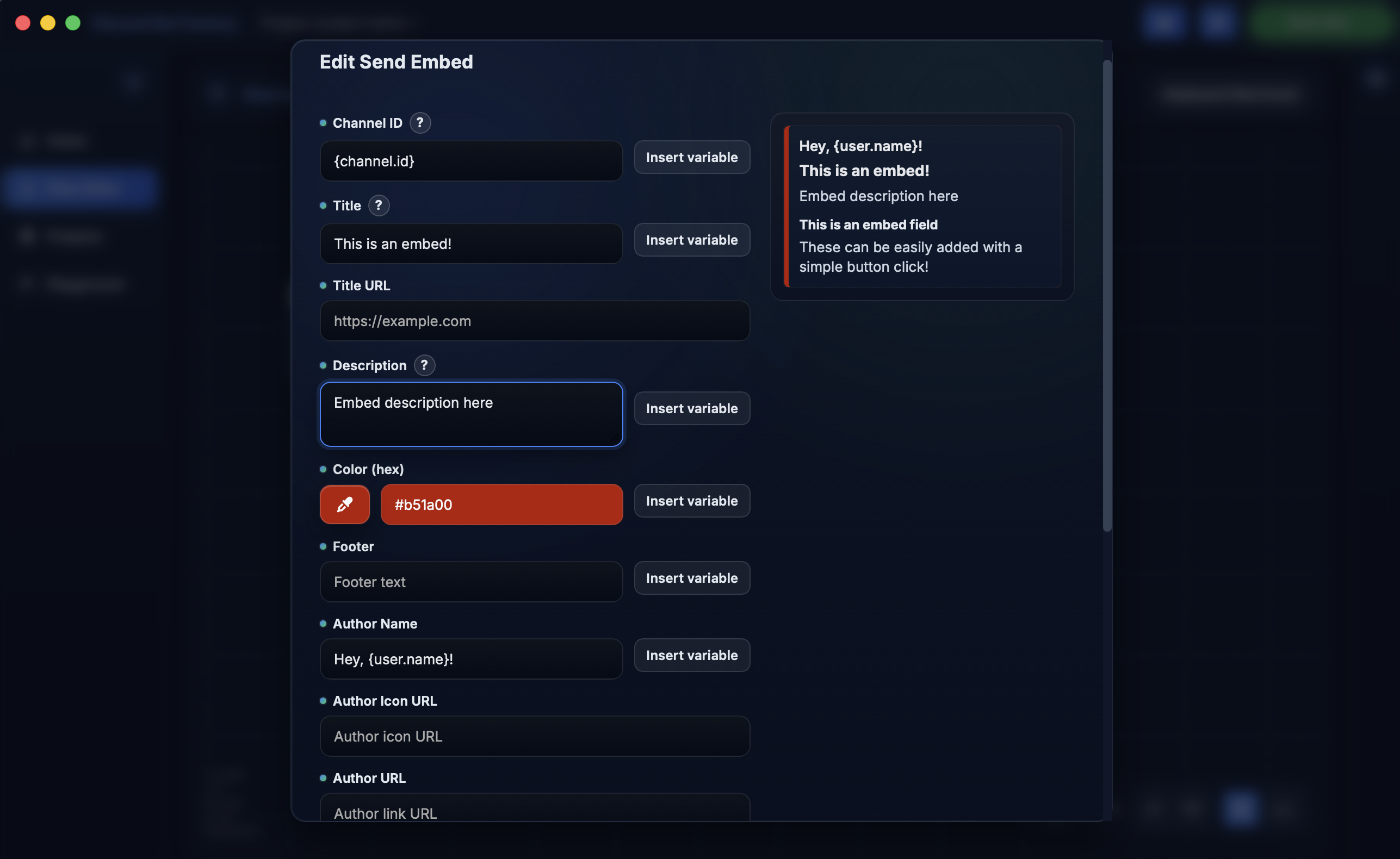
Pick welcomes, moderation, or embeds and tweak the details.
Build, test, and run Discord bots with a guided node editor and a local Playground. No coding required.
Why it feels easy
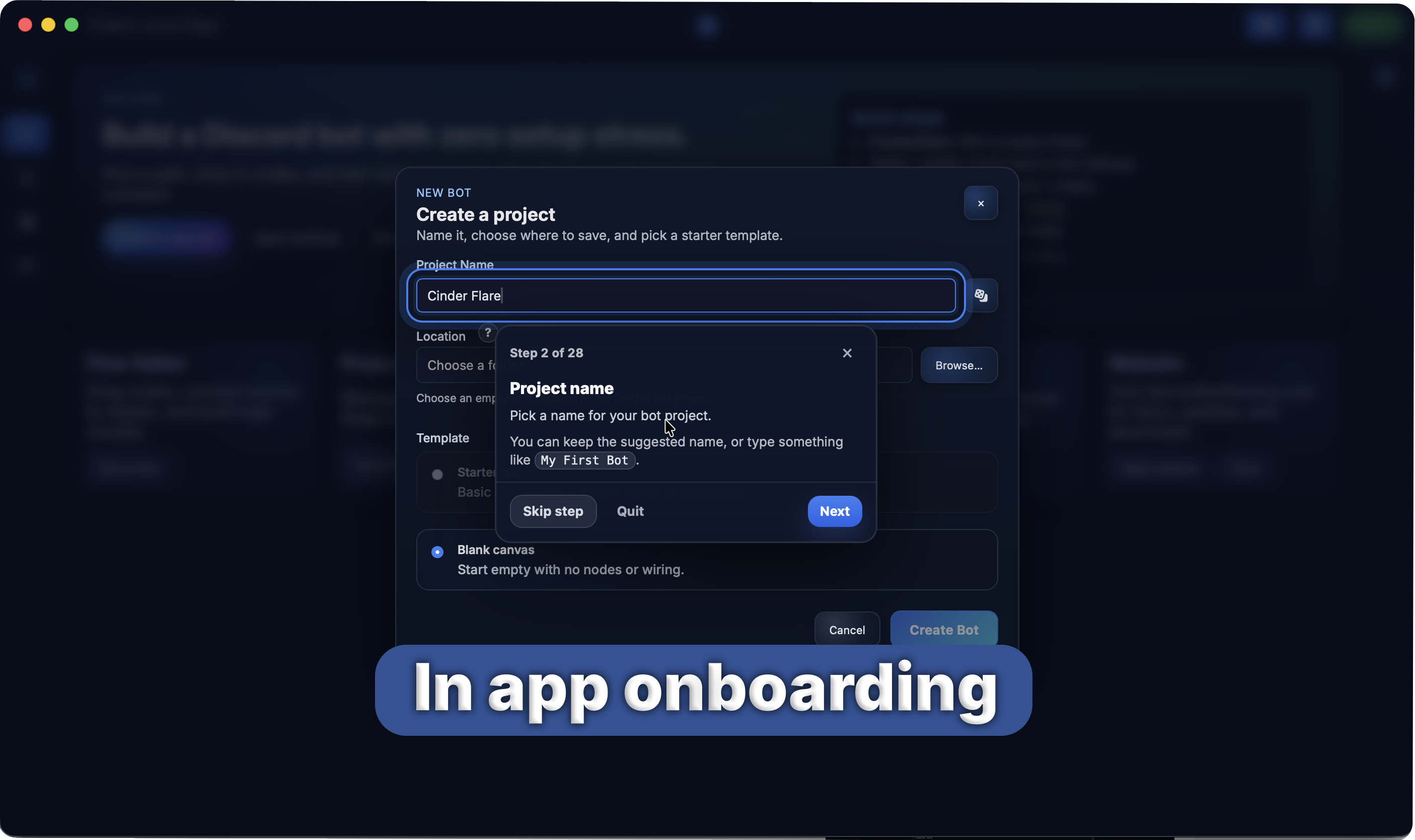
The editor keeps the next step obvious, with short labels and friendly tips.
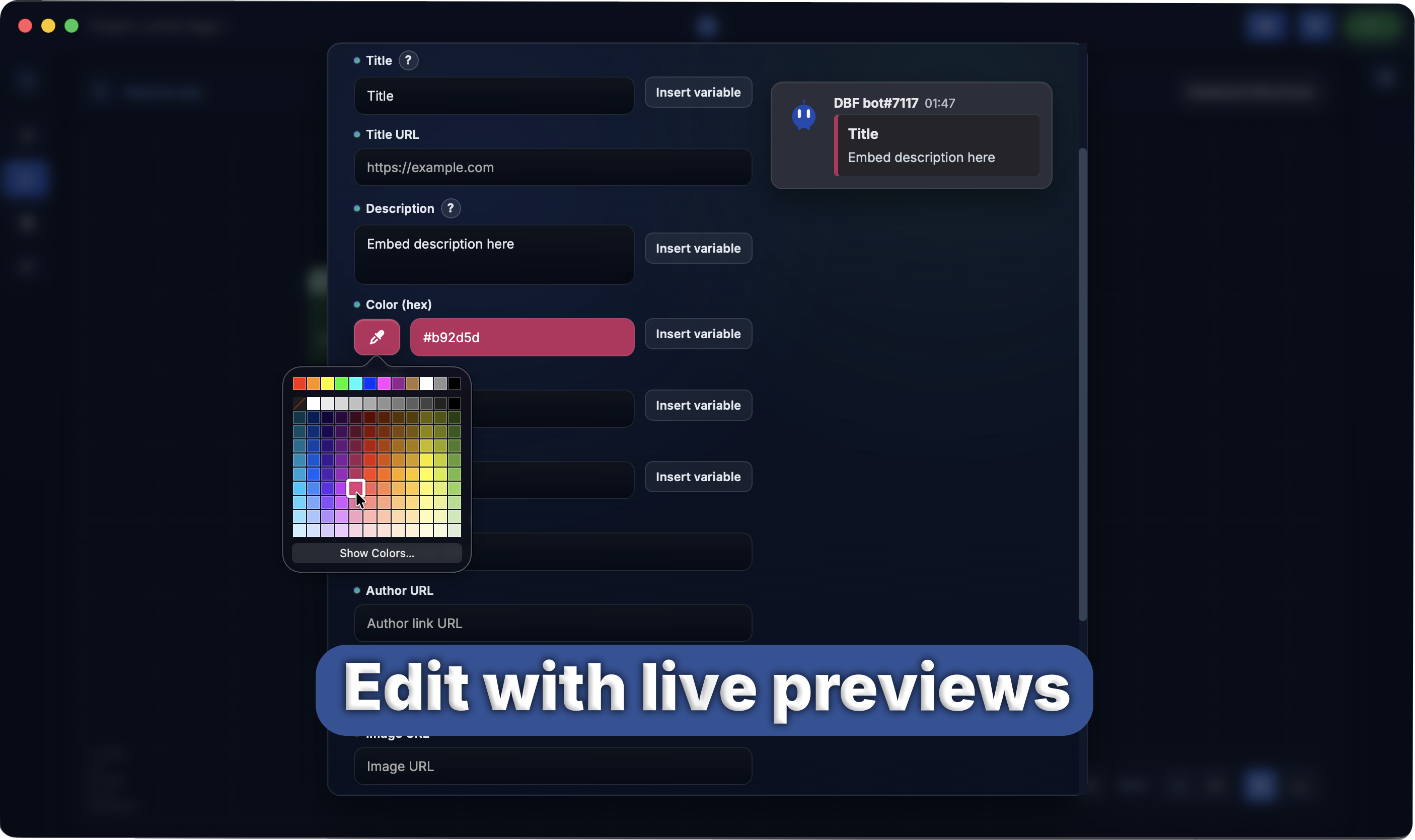
Pick welcomes, moderation, or embeds and tweak the details.
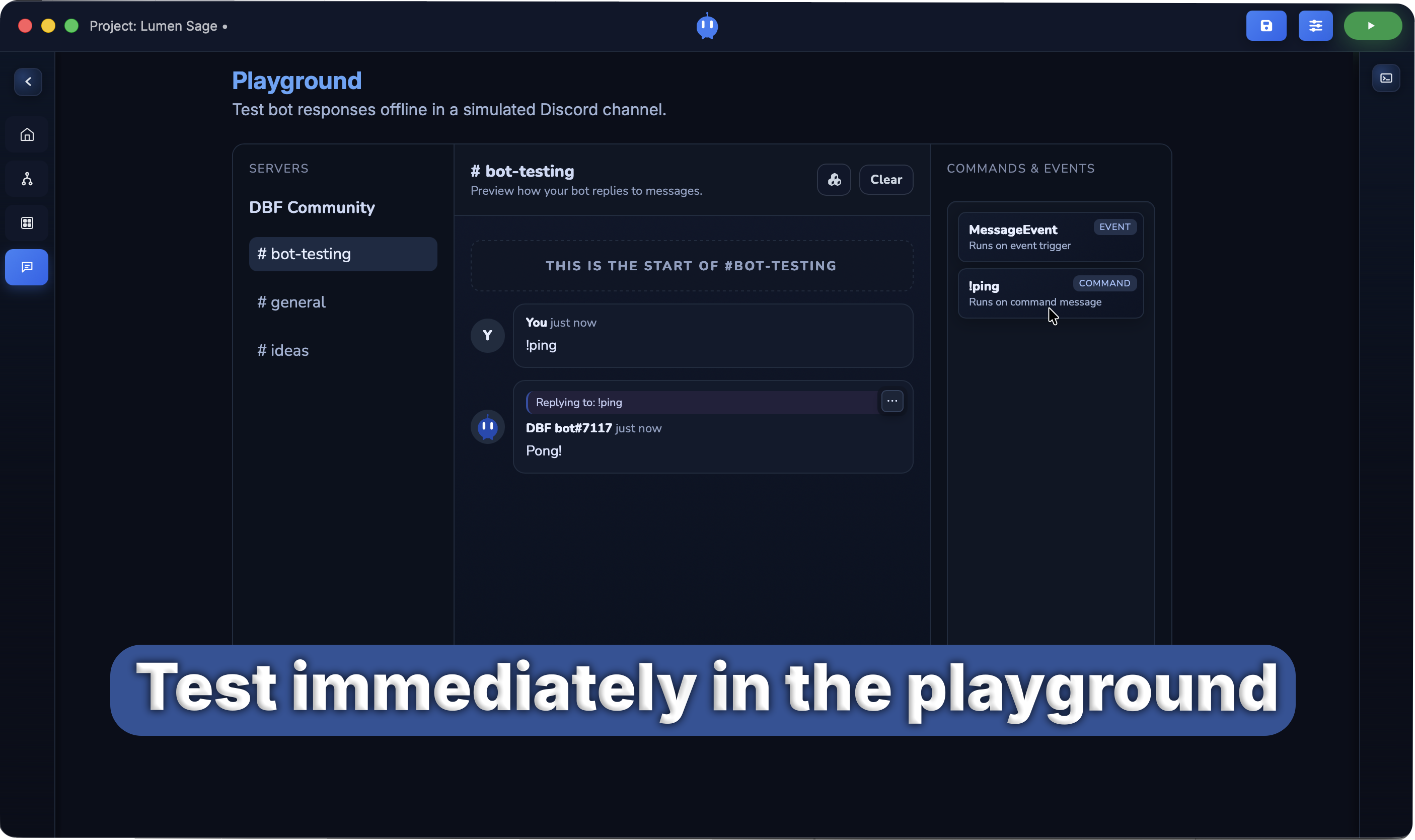
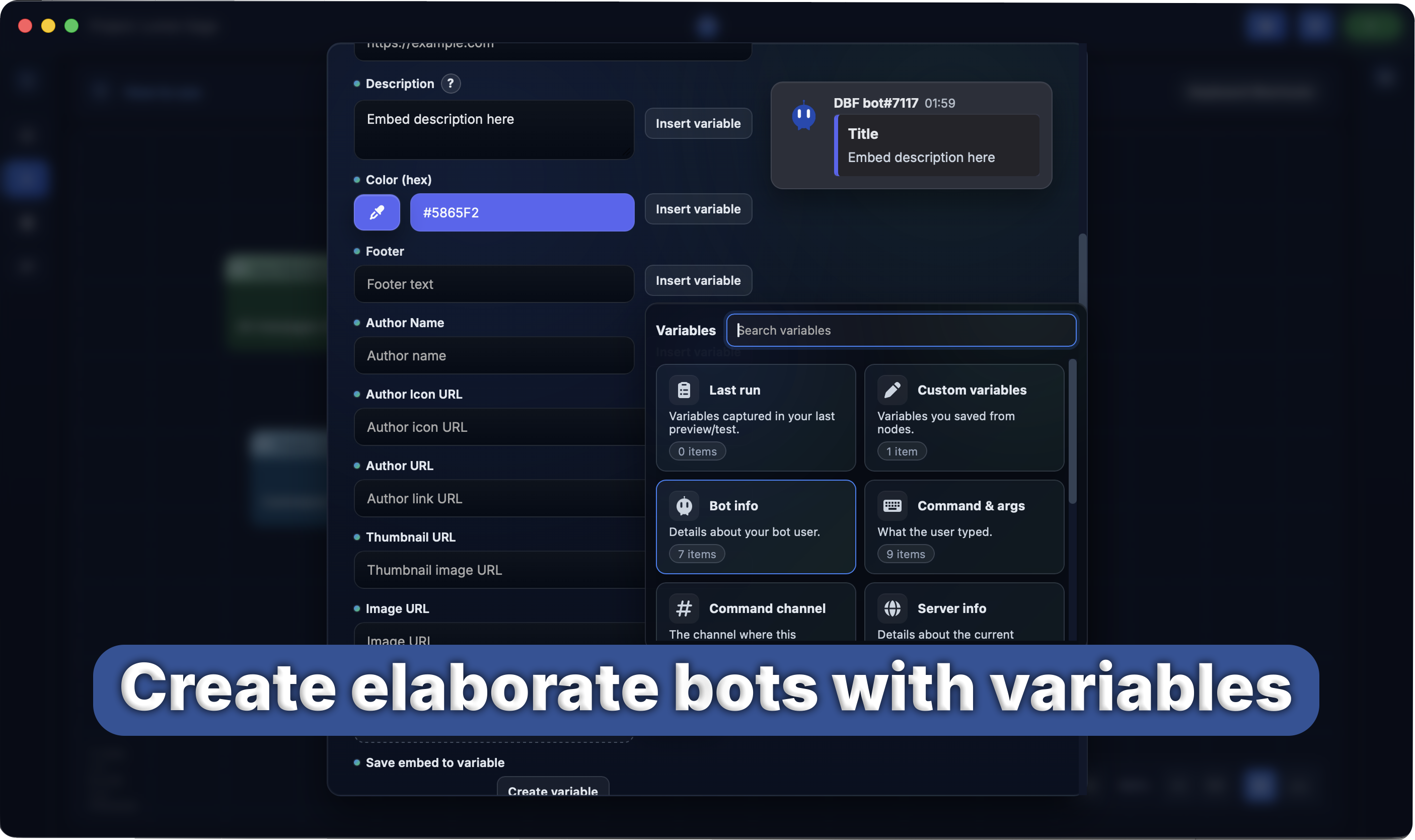
The Playground shows how messages and embeds will look.
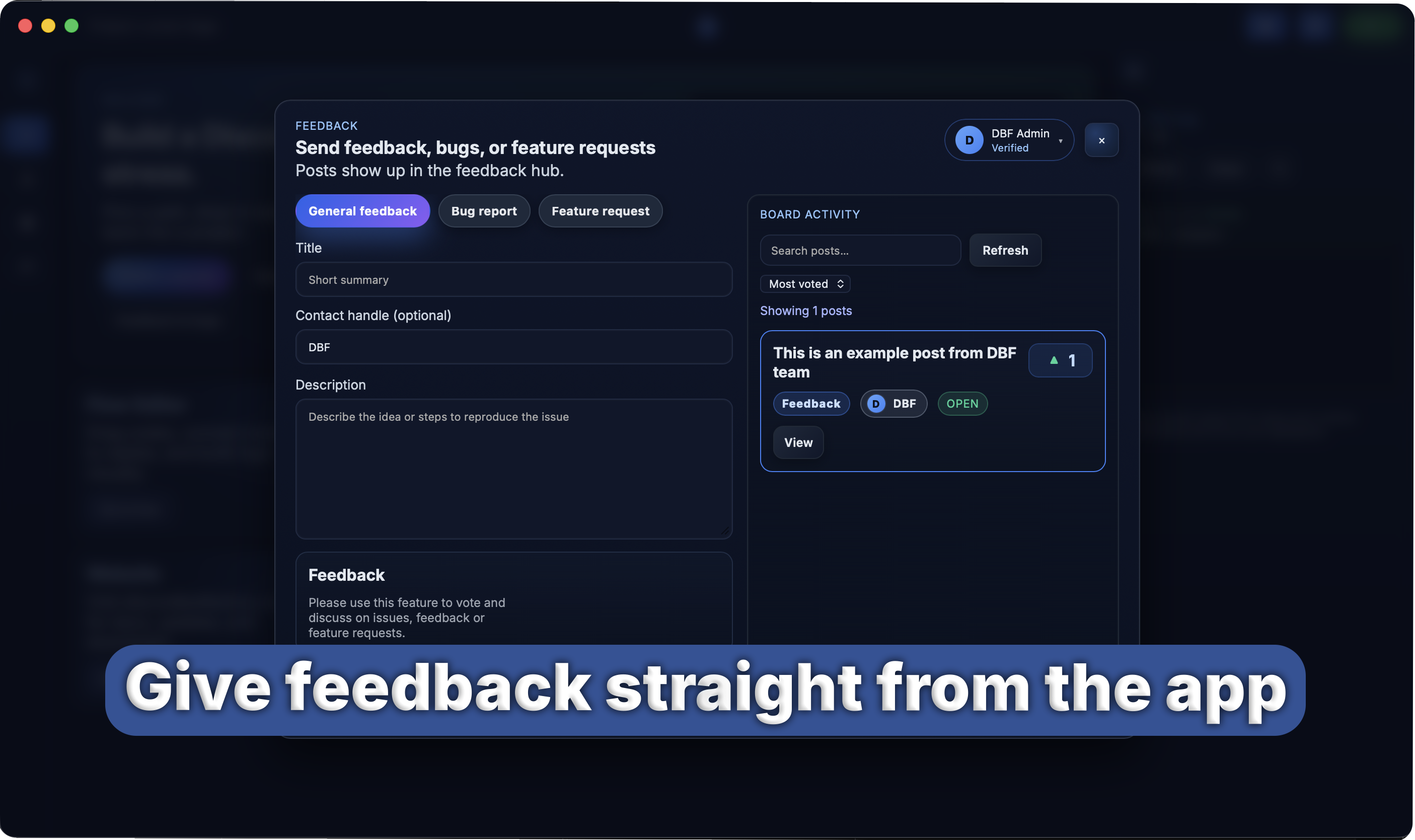
Use the feedback hub to talk with the developer.
Made for beginners
Use templates, simple help, and a clean node system.
Preview messages as you build and keep everything in one place.
Follow a short walkthrough to make your first command.
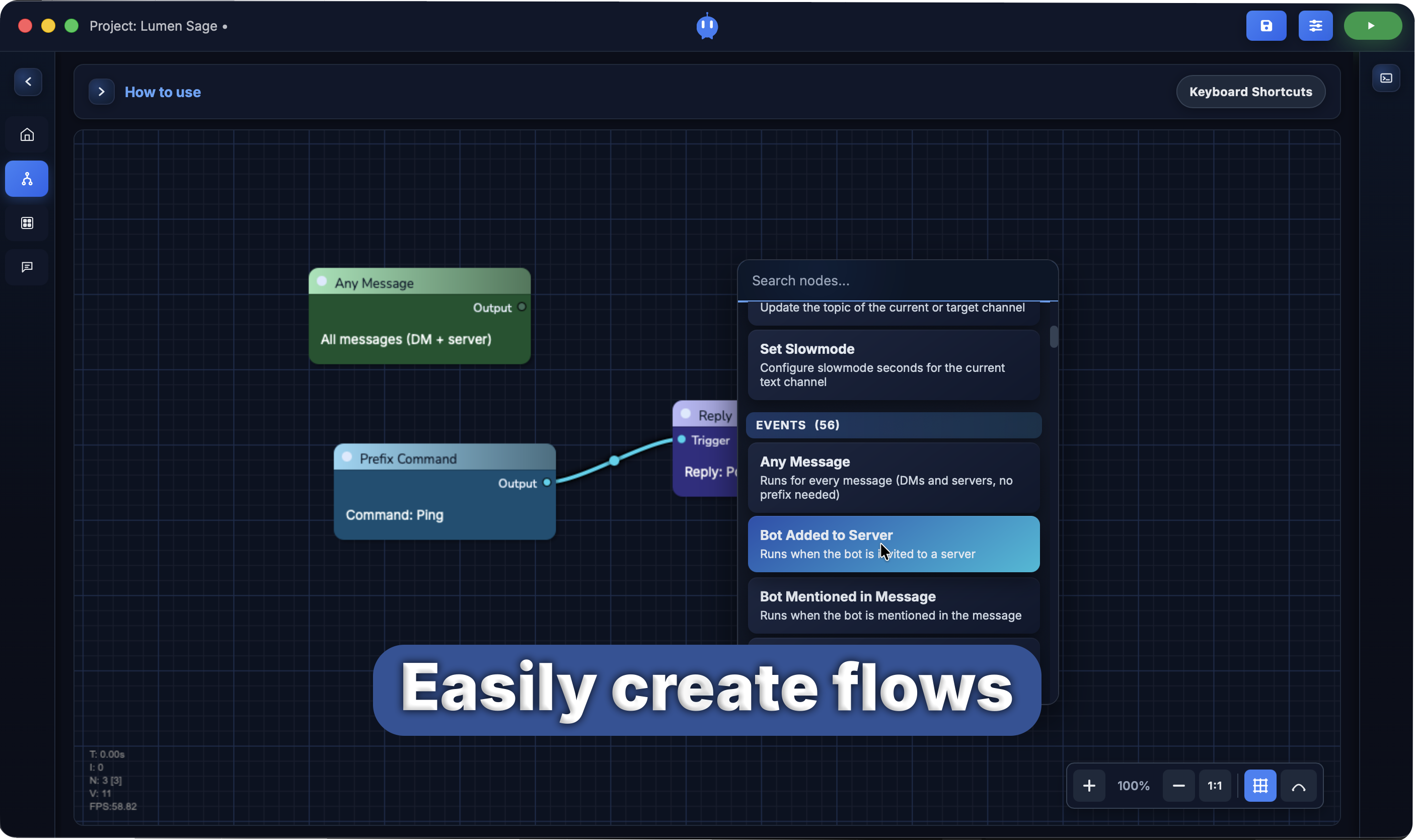
Drag actions, conditions, and triggers, then connect them.
Start from templates for welcomes, moderation, reaction roles, and embeds.
Share ideas and bug reports in one place.
Playground
Run commands, interactions, and message flows without touching live servers.
Interface tour
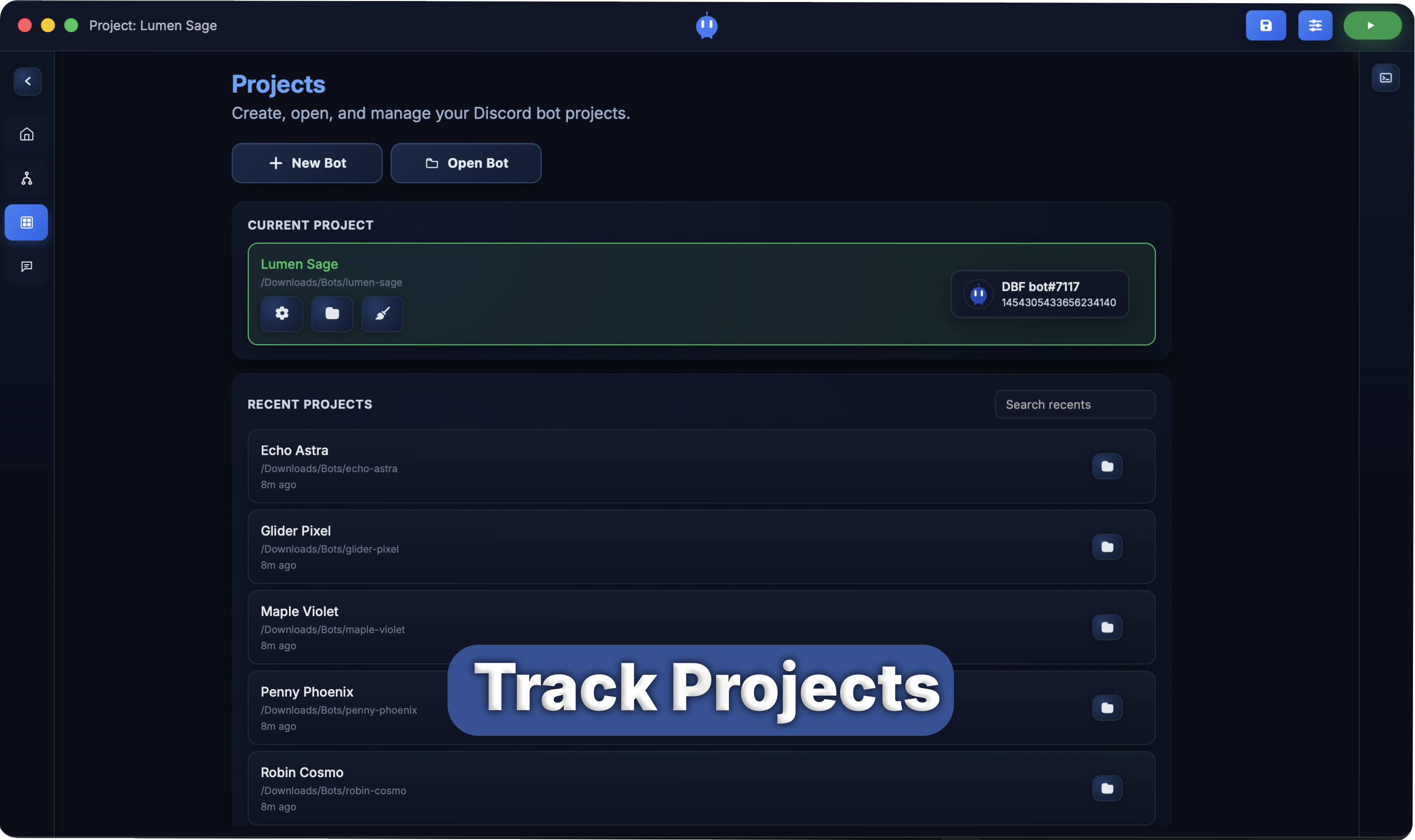
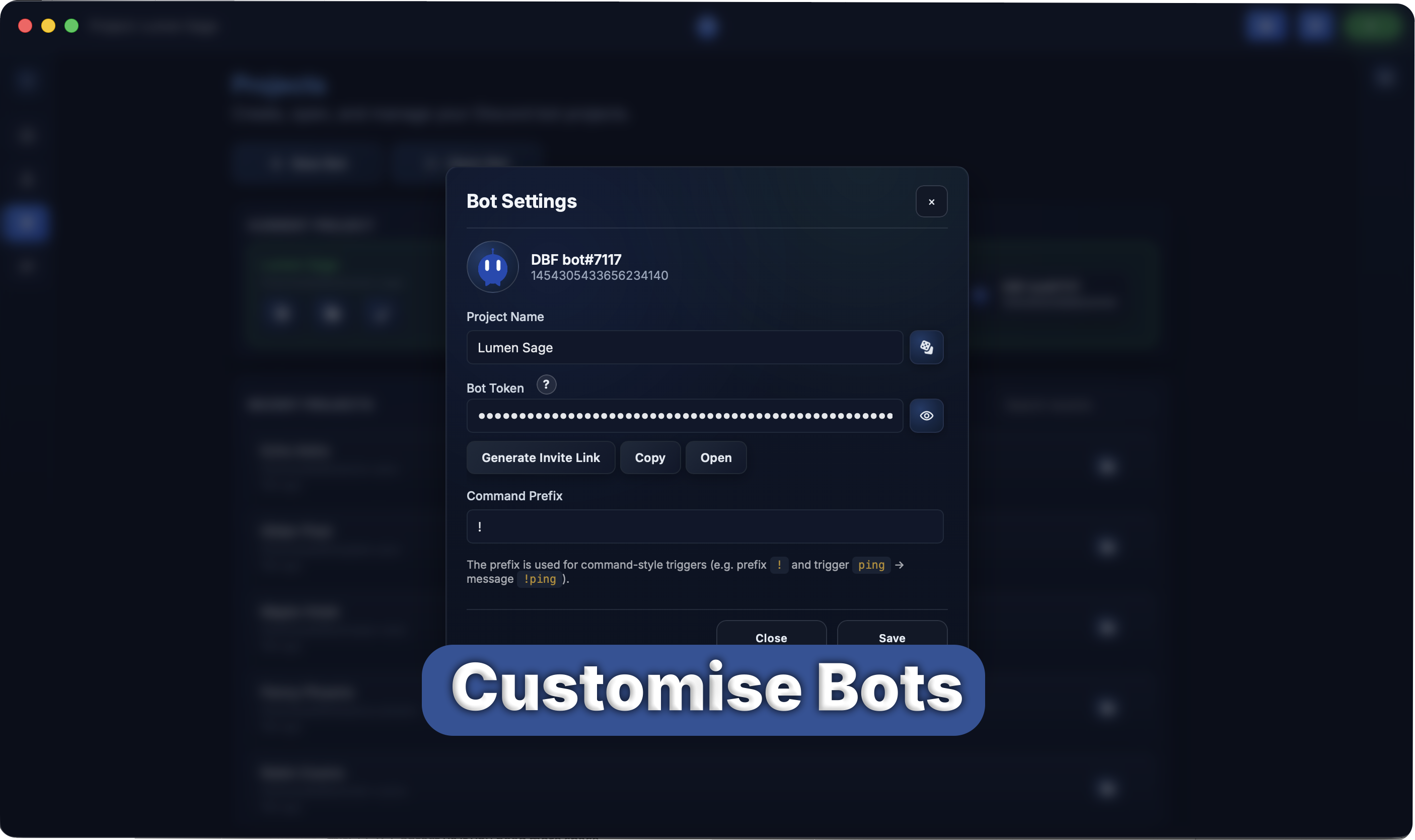
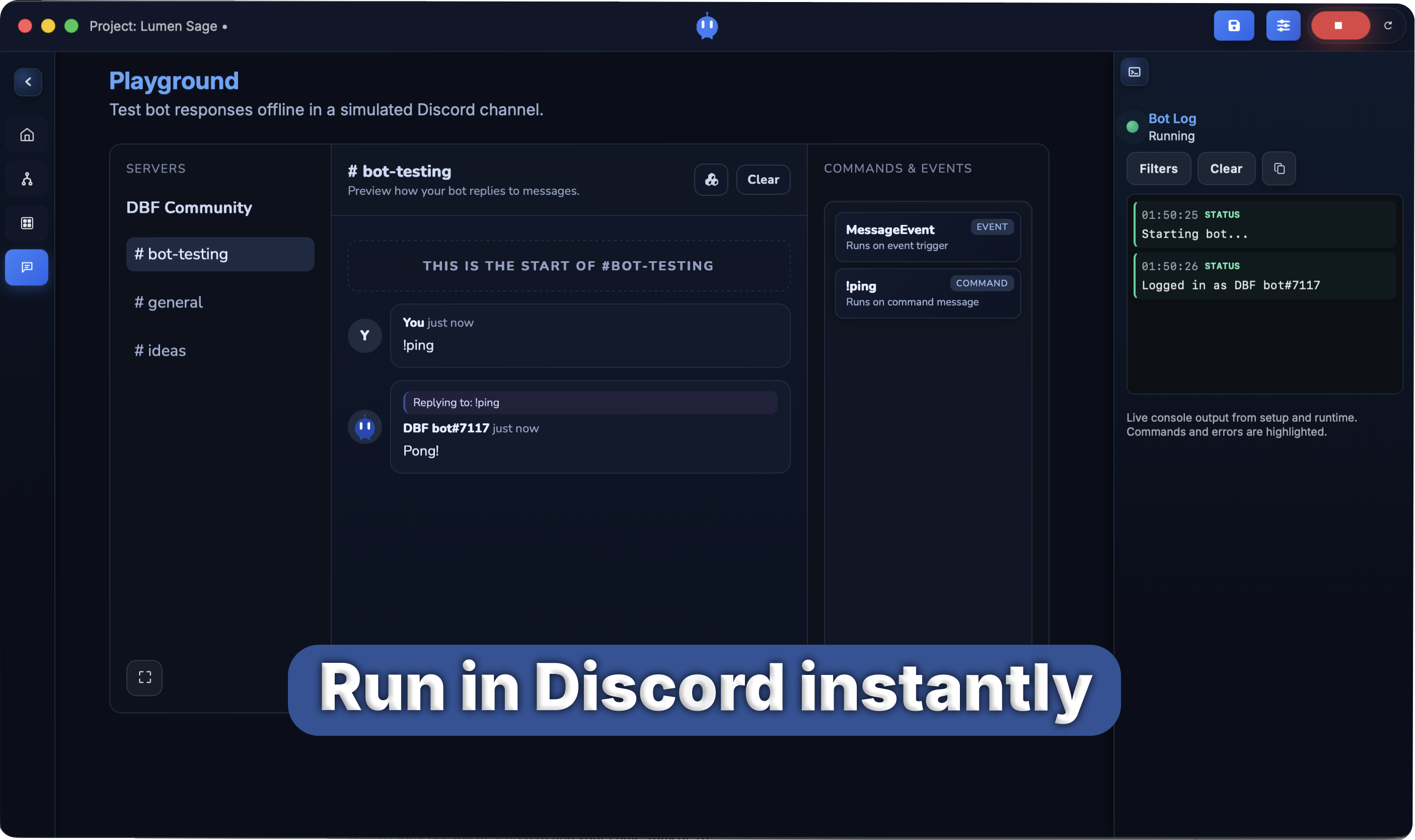
Node editor, Playground, and walkthroughs are shown below.
What you can build
Mix nodes to fit your server without a wall of settings.
Greet new members and point them to the right channels.
Answer common questions the same way every time.
Let members pick roles with a click.
Send alerts before streams, game nights, or meetups.
Flag messages and keep your team in the loop.
Build clean announcements that match your server style.
Workflow
Sketch, test, and ship with clear tools.
Drop commands and events onto the canvas. Hints keep you on track.
Preview everything in the Playground with simple defaults for intents and permissions.
Run your bot from the app or export it when you are ready.
Start today
Download Discord Bot Factory and bring your idea to life.