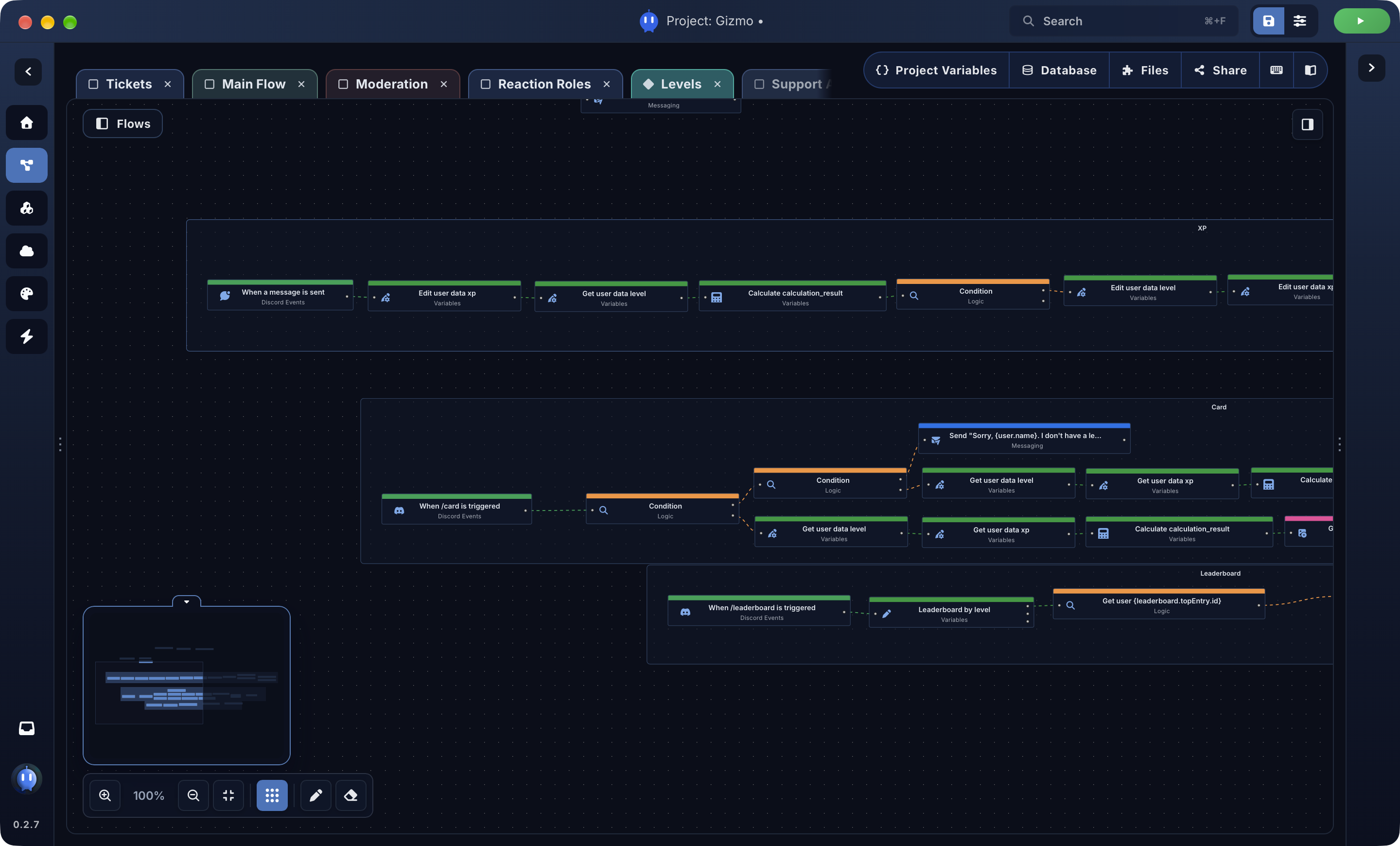
Flow Editor
Build bot logic visually.
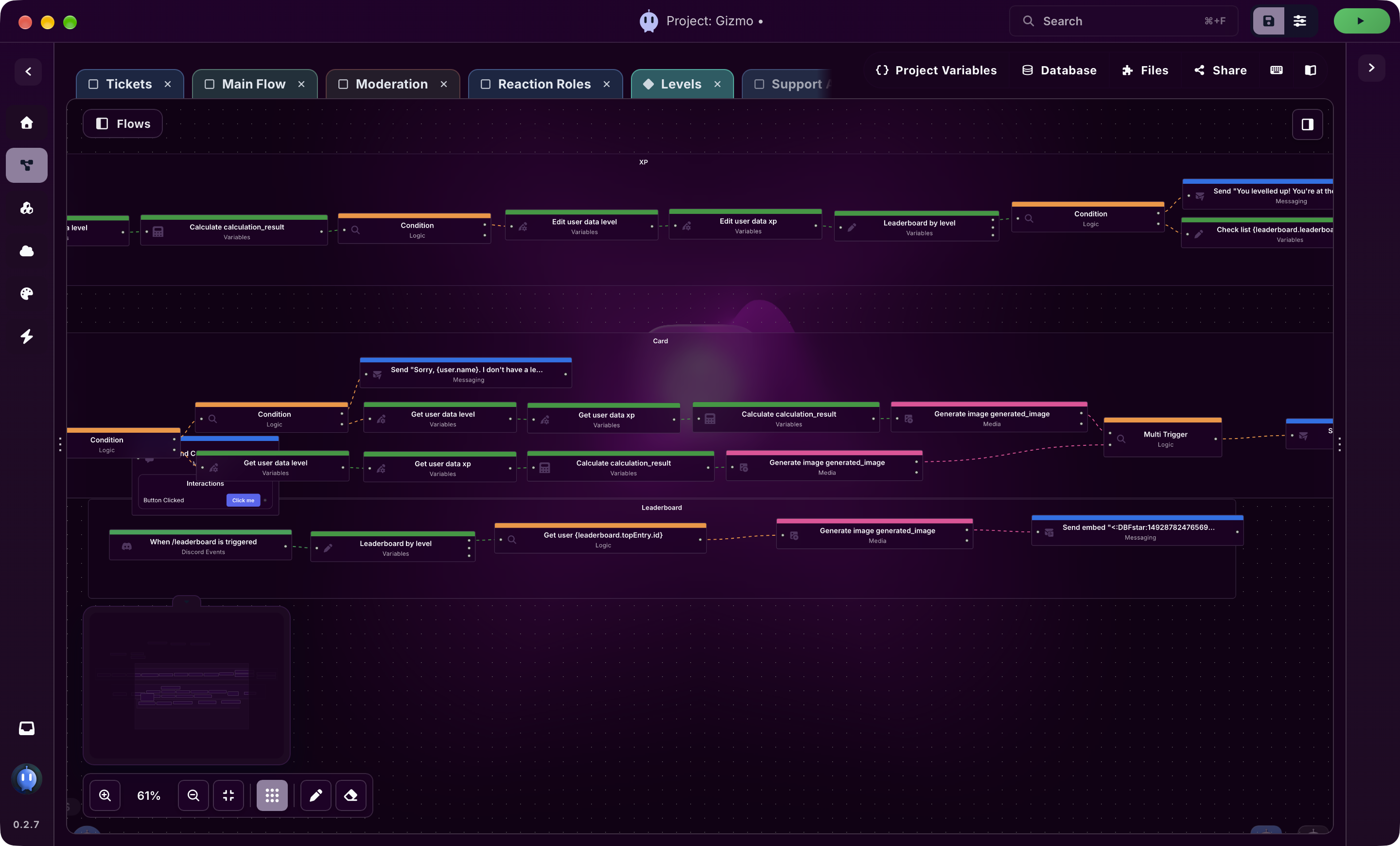
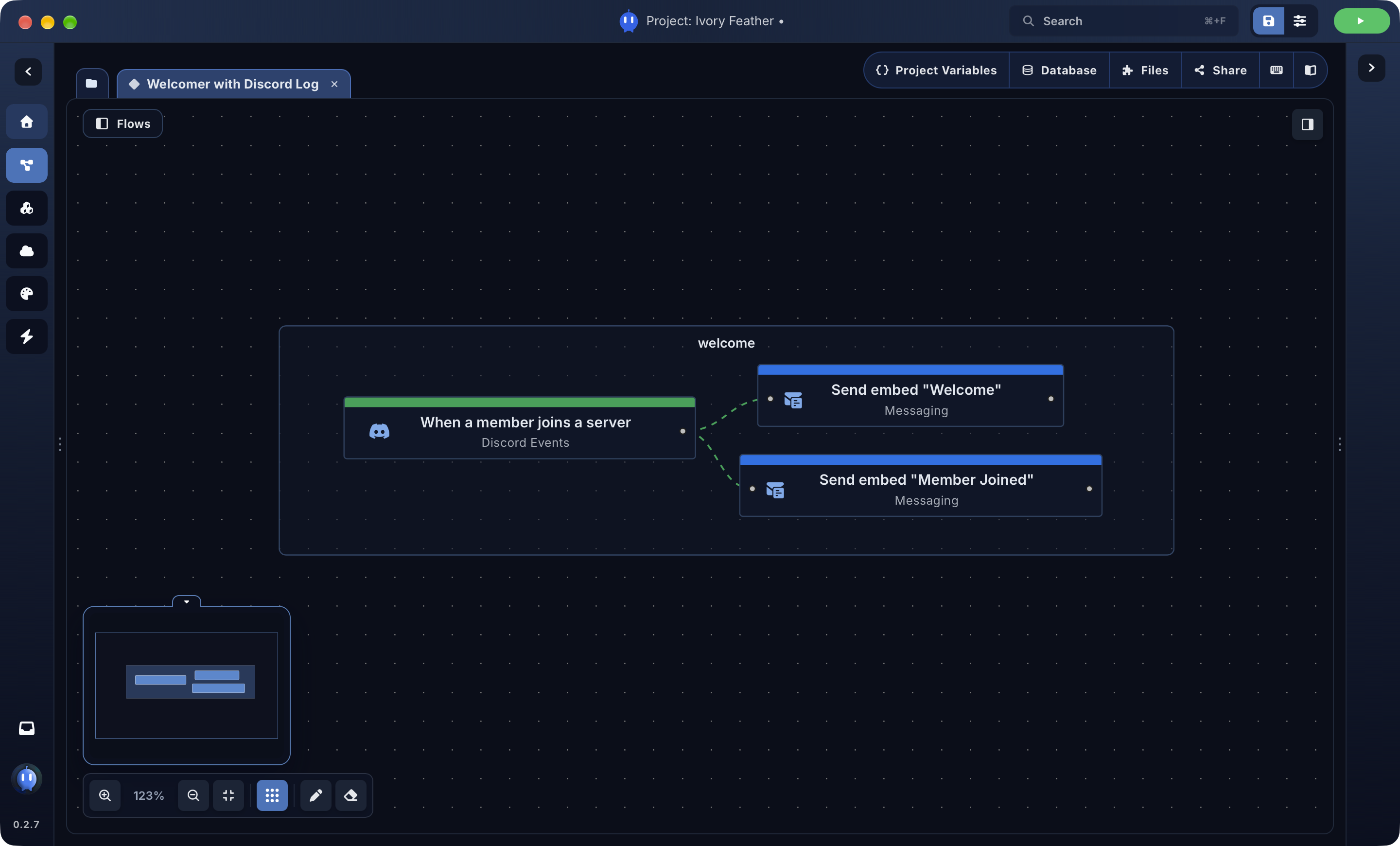
Construct command and event logic on a visual canvas with grouping, comments, labels and tabs for larger systems.
Construct command and event logic on a visual canvas with grouping, comments, labels and tabs for larger systems.
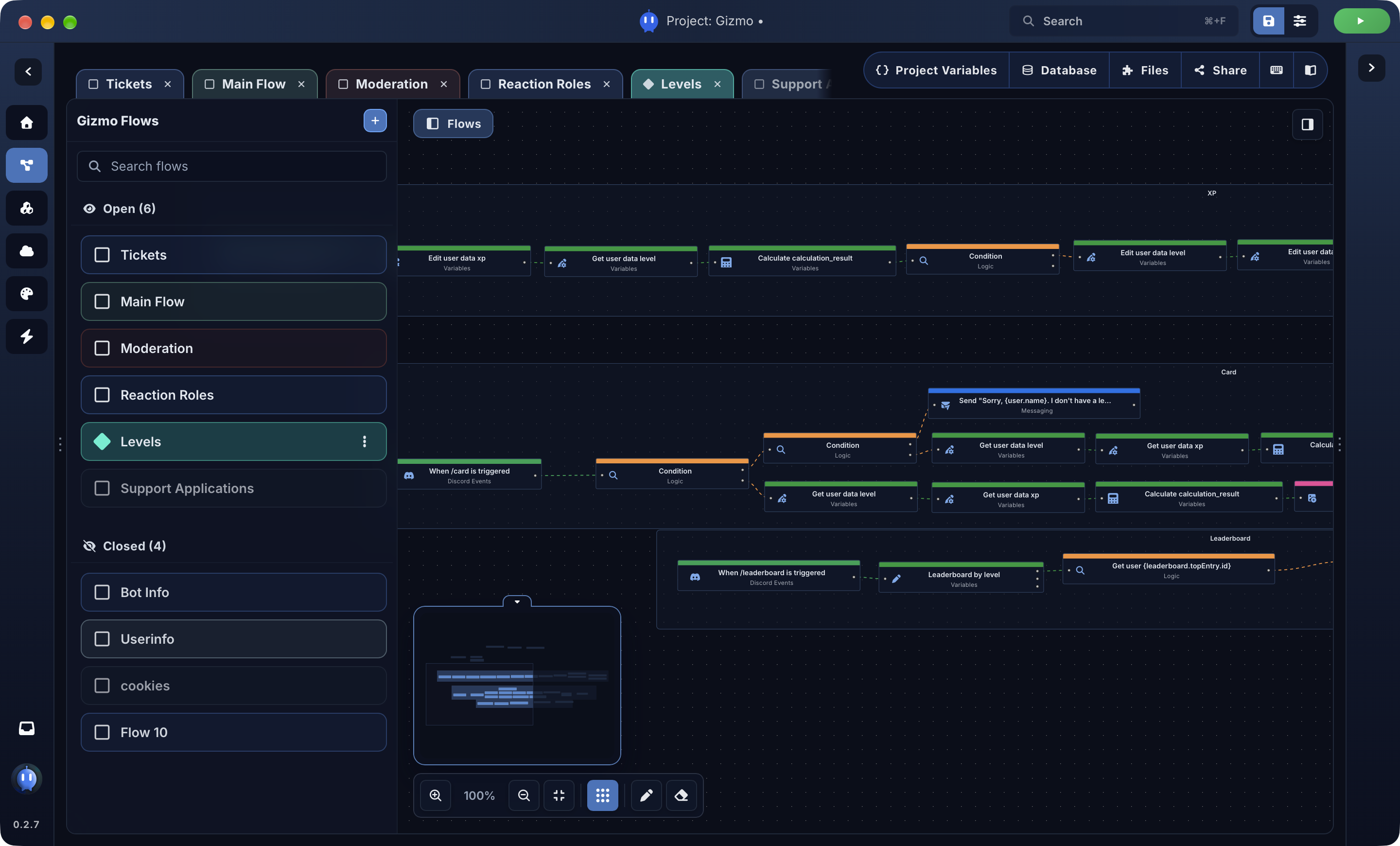
Split larger projects into named flow tabs and folders so commands, systems and experiments stay easy to scan. Jump between sections without having to find every node in one place
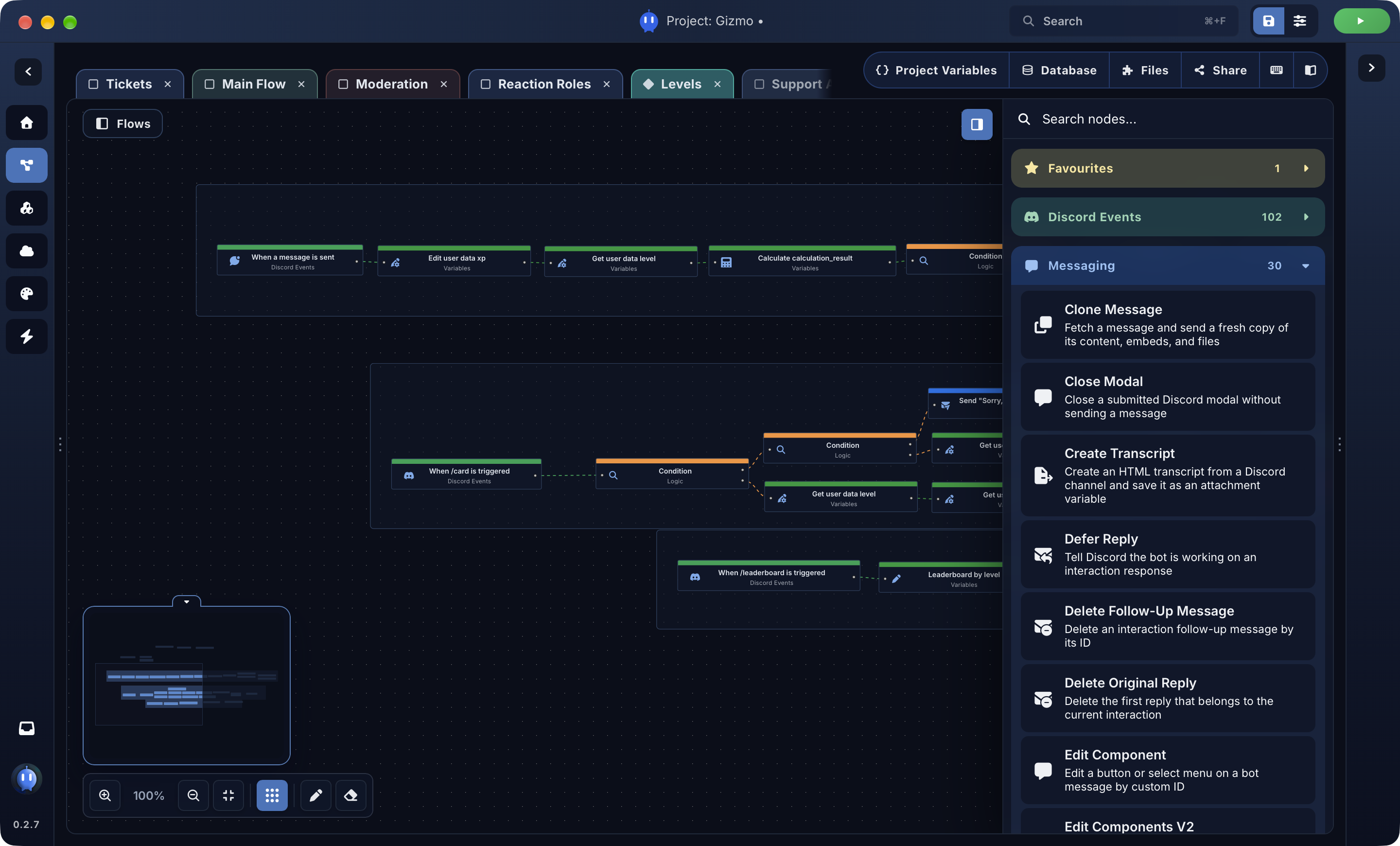
Use built-in nodes for moderation, utilities, variables, advanced logic, APIs, tickets, economy, music, automation and more.
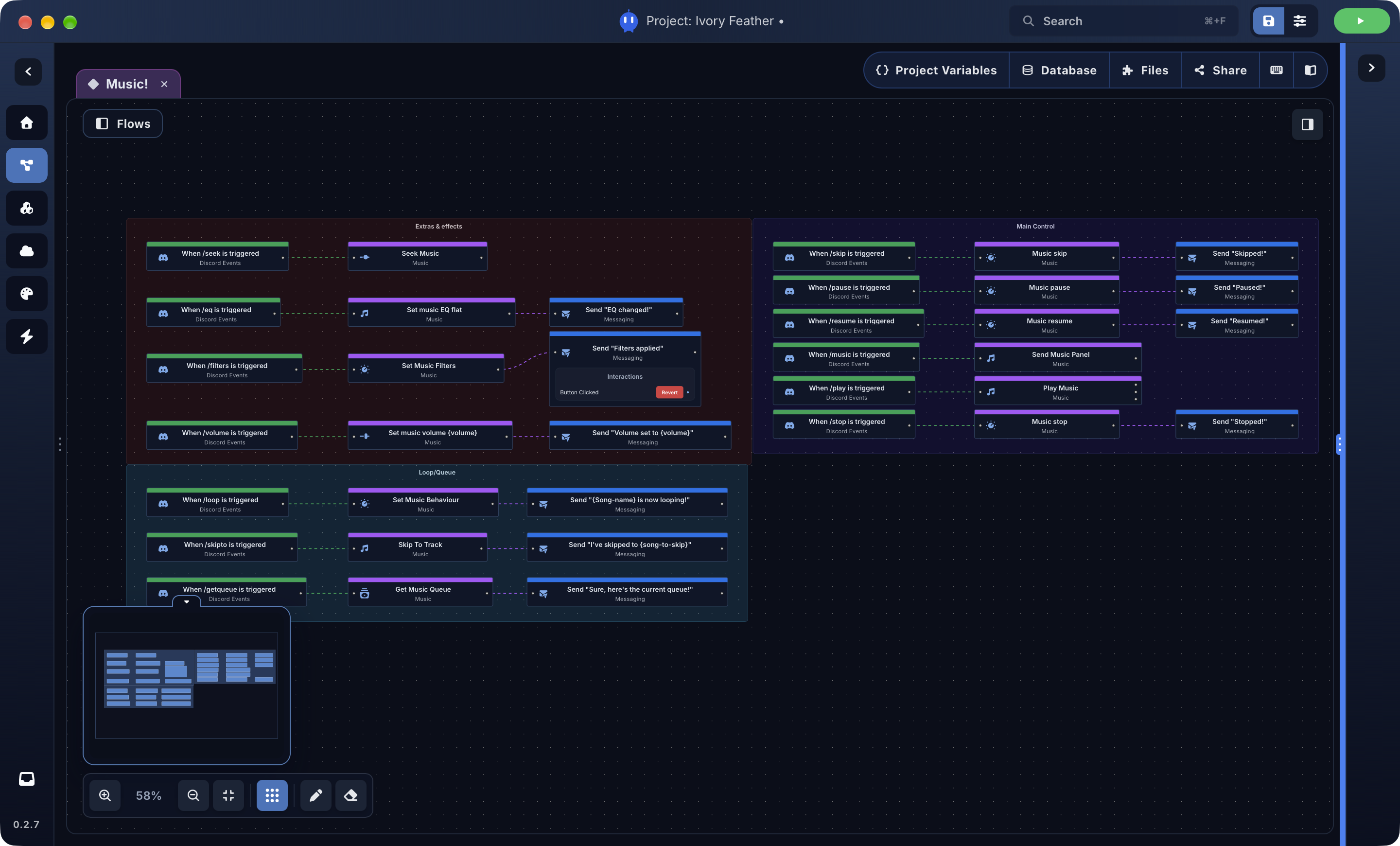
Create playback flows for queues, controls, voice channel behaviour and music commands. Use the music panel node as a starting point.
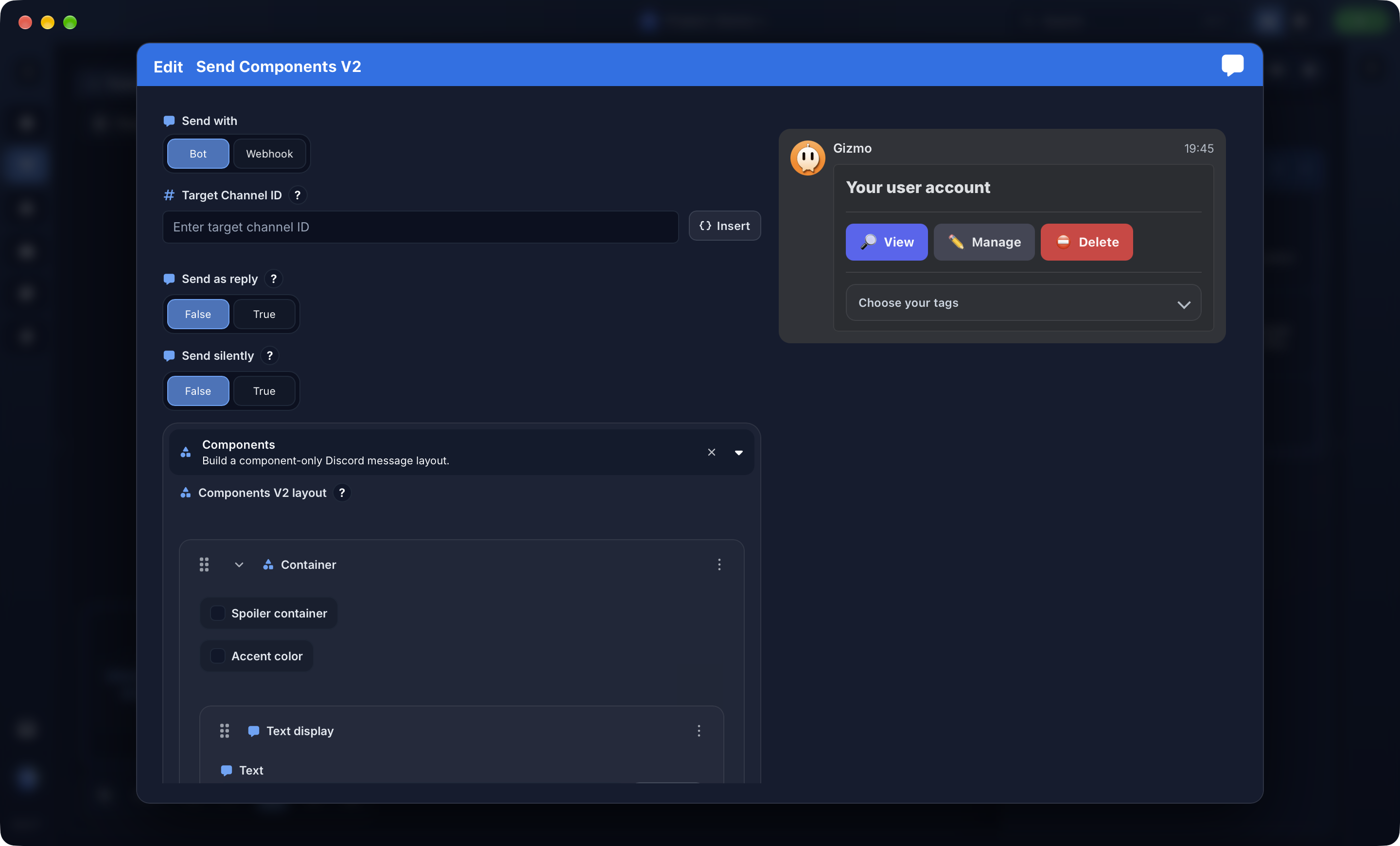
Build advanced interactive messages using modern Discord components in seconds. Cleaner buttons, menus and message interfaces for your bot.
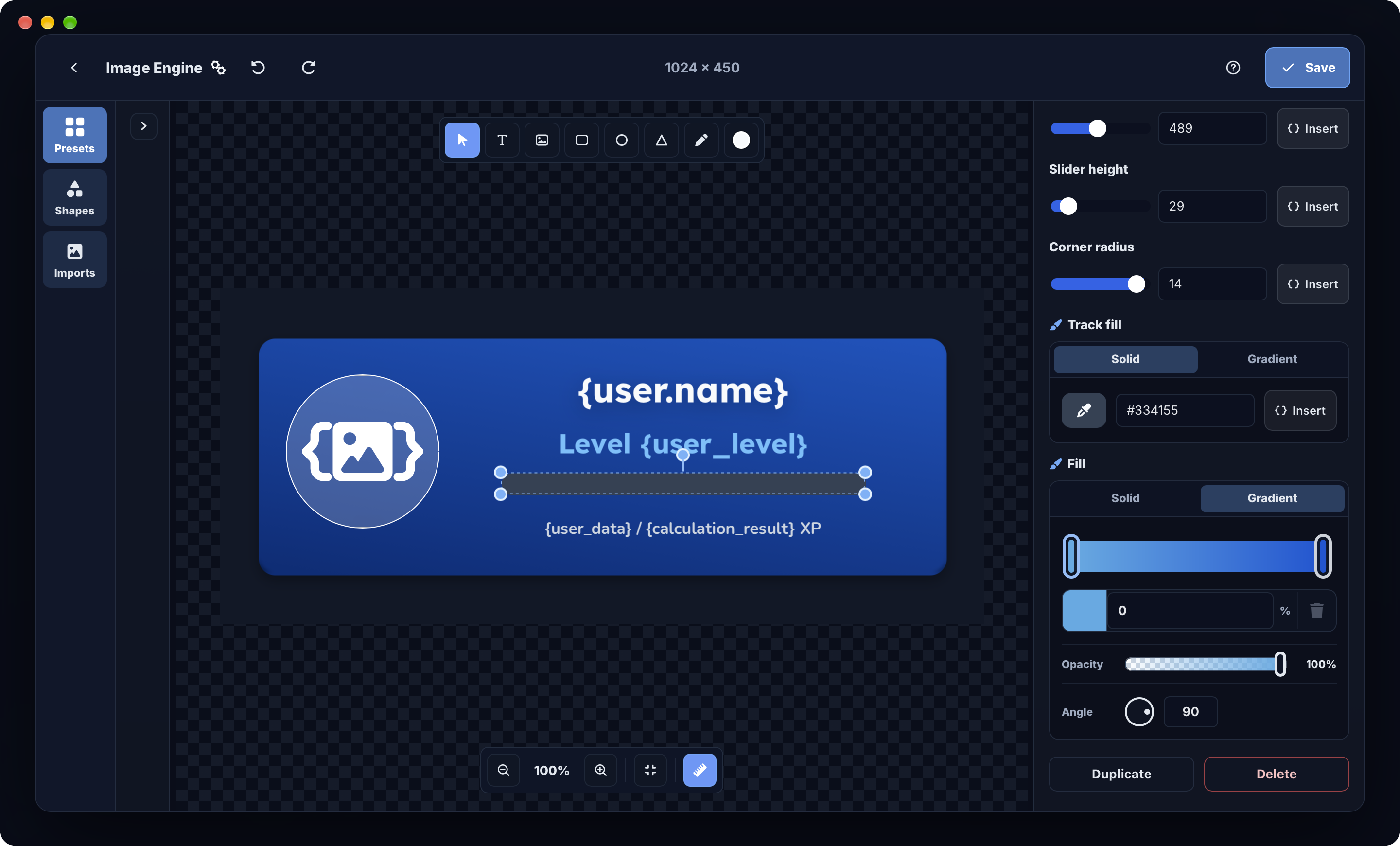
Generate welcome cards, rank cards and custom images on the fly, and edit them easily. You can use presets, add effects, use variables and much more.
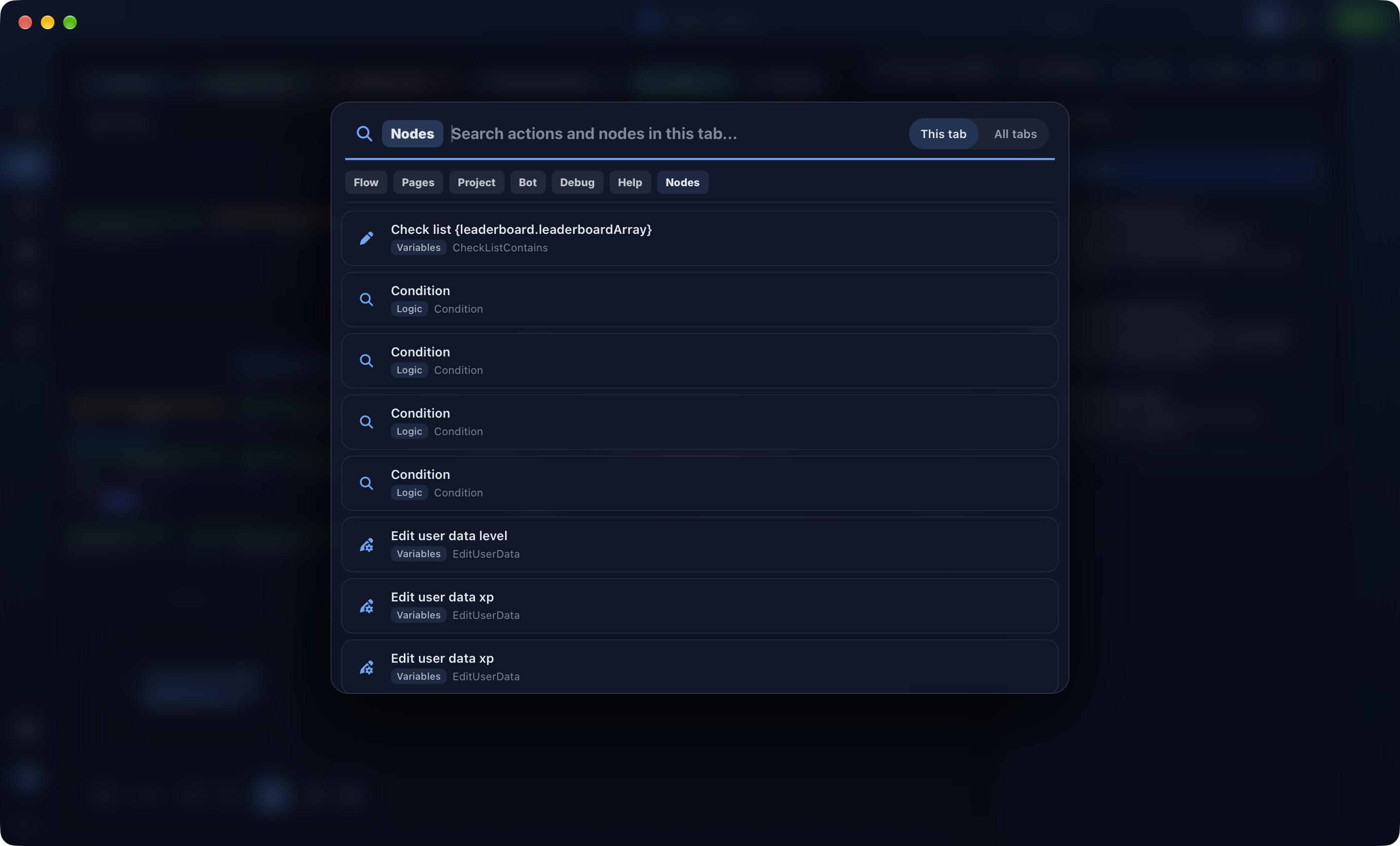
Find nodes in the current flow tab or across your project, then jump straight to the node you need.
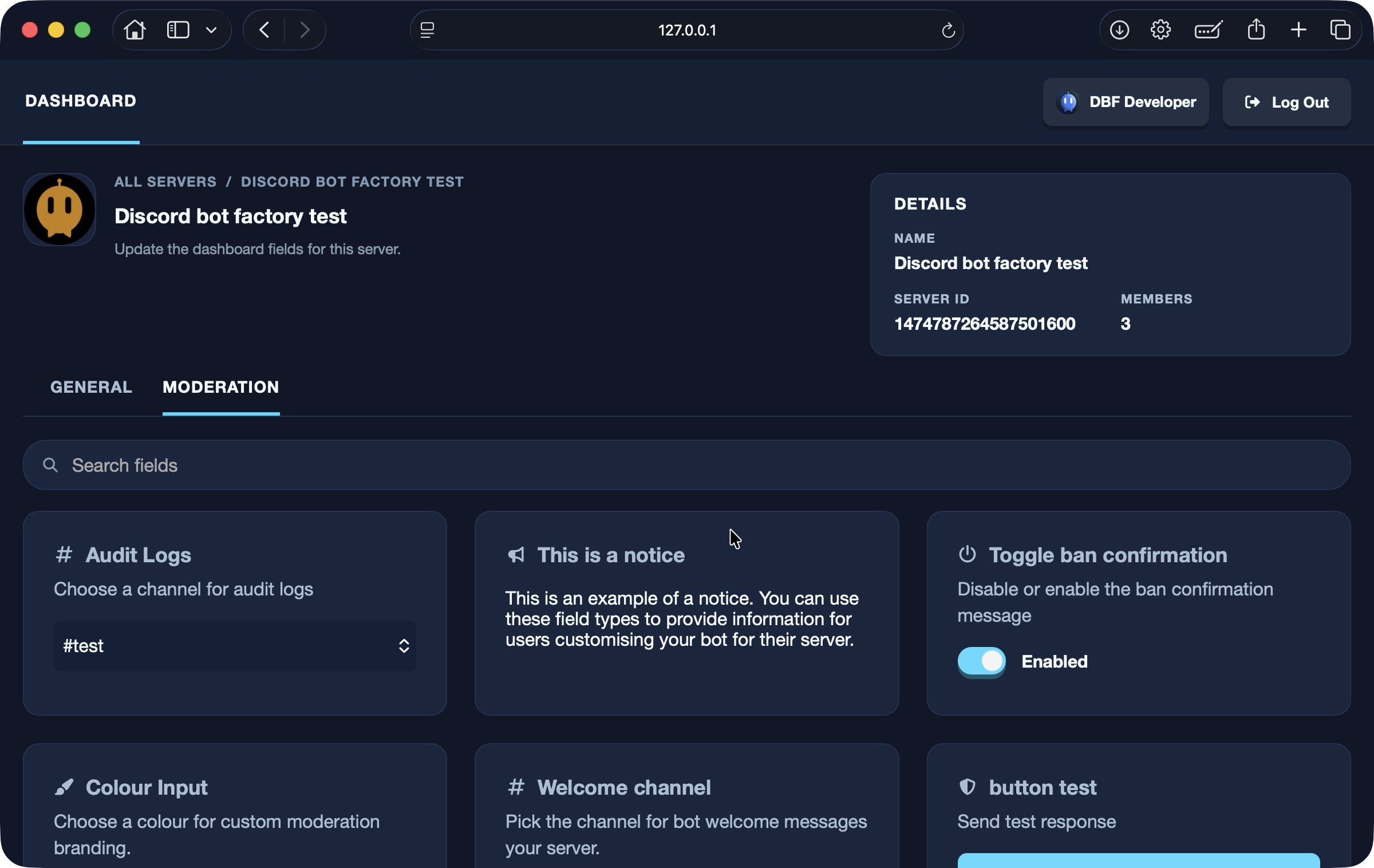
Install customisable plugins to extend DBF, including fully editable bot dashboards for server admins, advanced auto-moderation tools, levelling, and more.
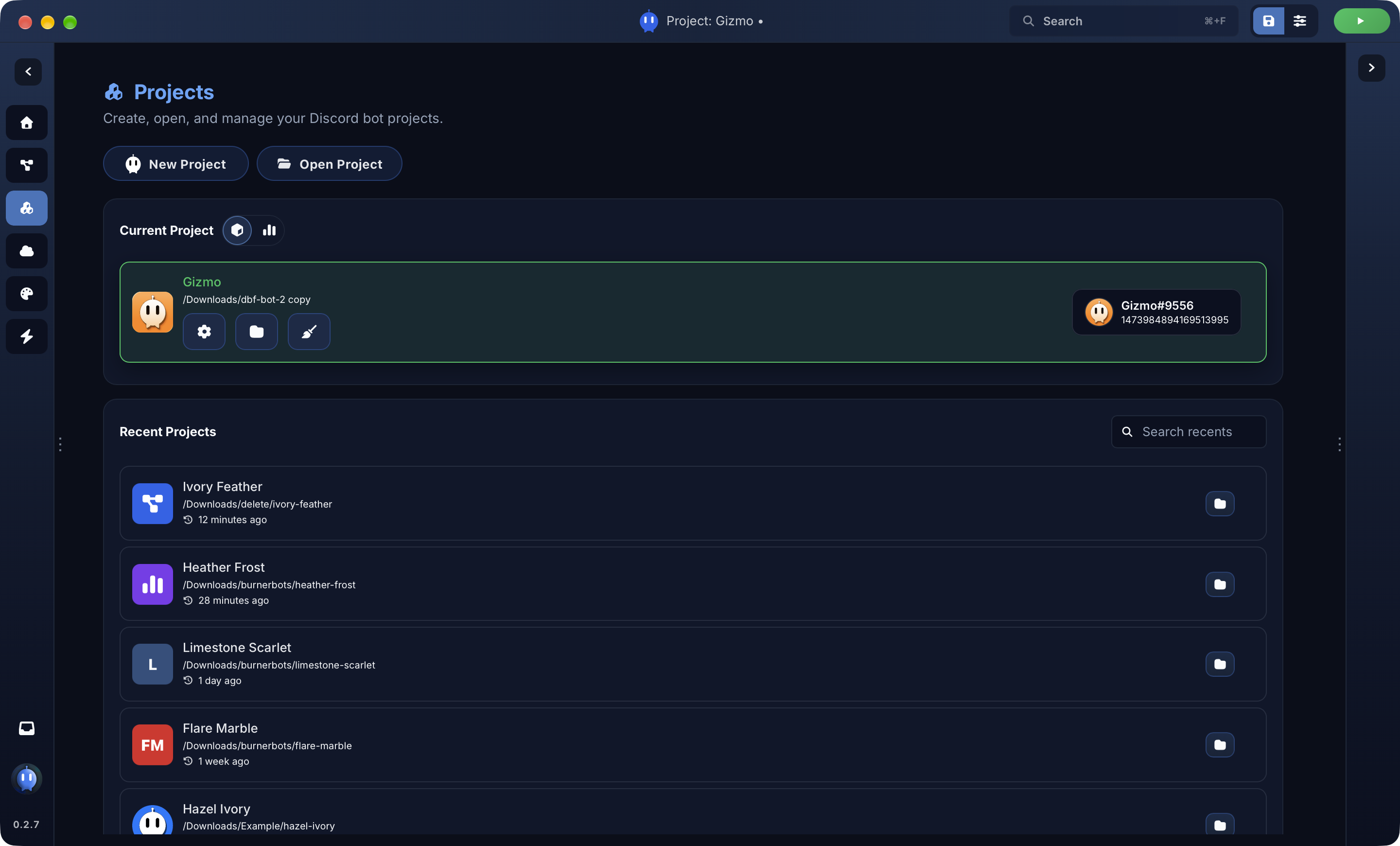
Manage all your projects from one page, edit settings, generate invite links and keep your bots organised.
Use custom themes, create your own theme and adjust preferences across privacy, UX, accessibility and the flow editor.
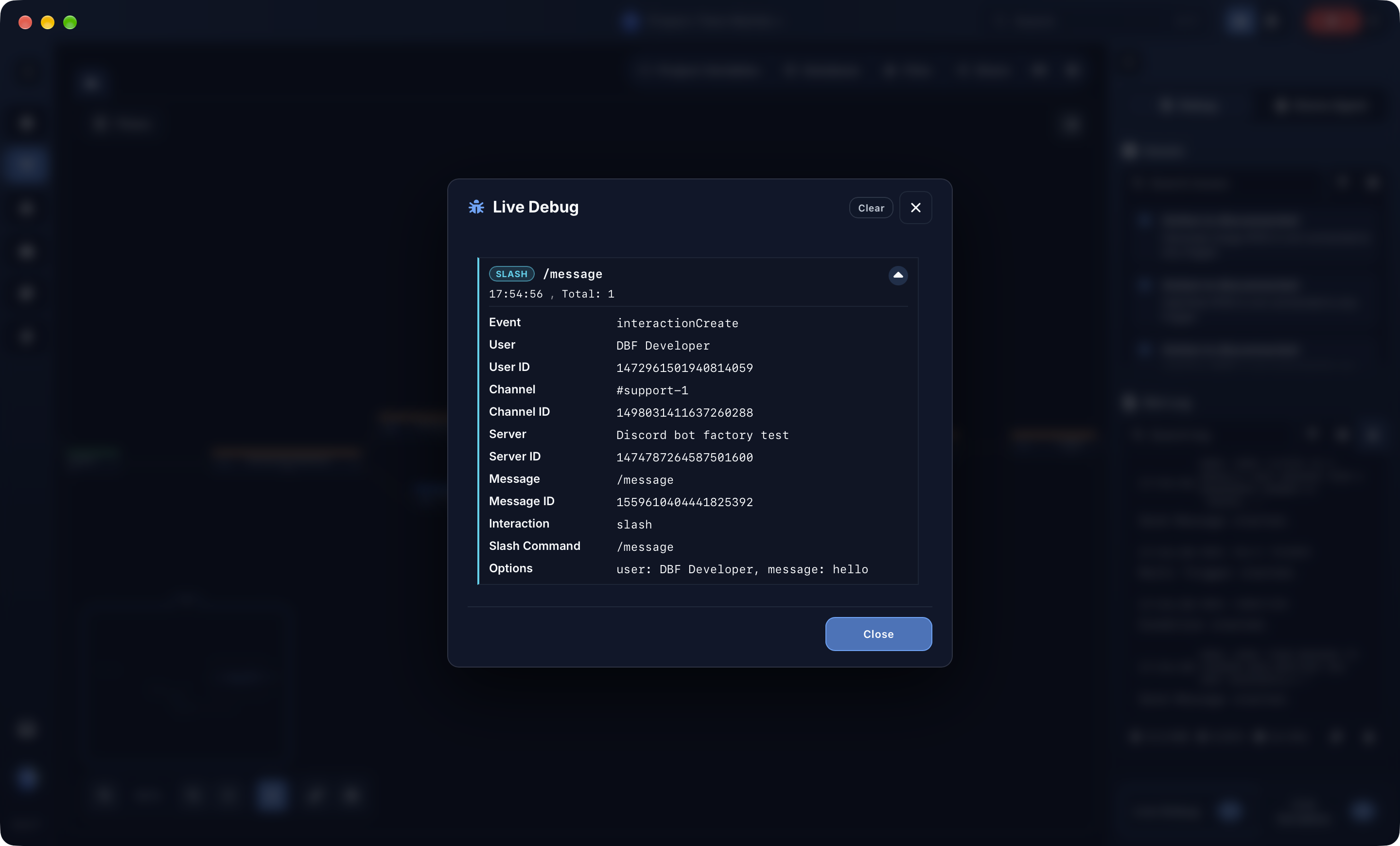
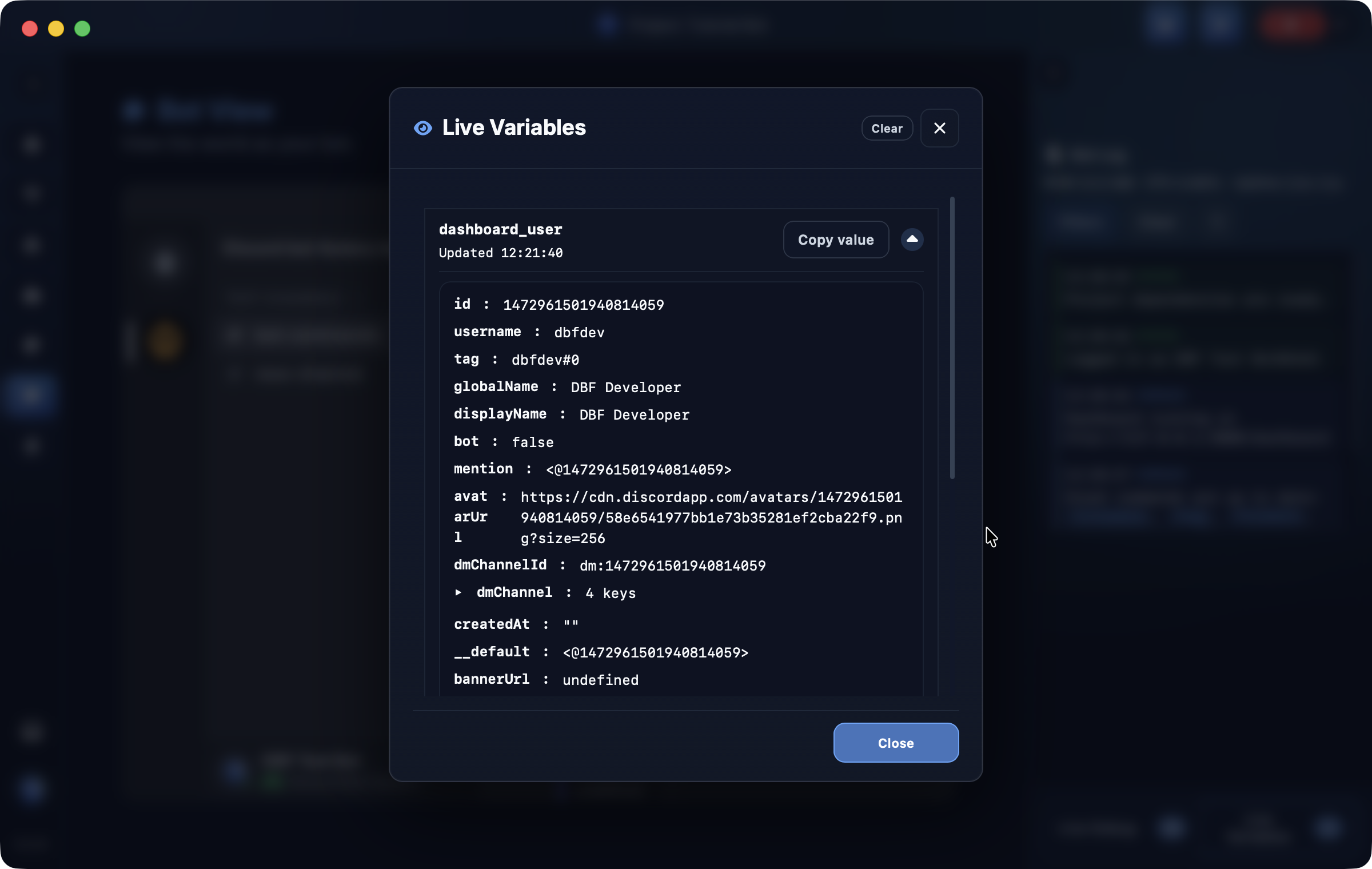
Live Debug shows trigger execution and flow behavior in realtime, while Live Variables lets you watch state update in context. Find broken flows, check values and troubleshoot faster.
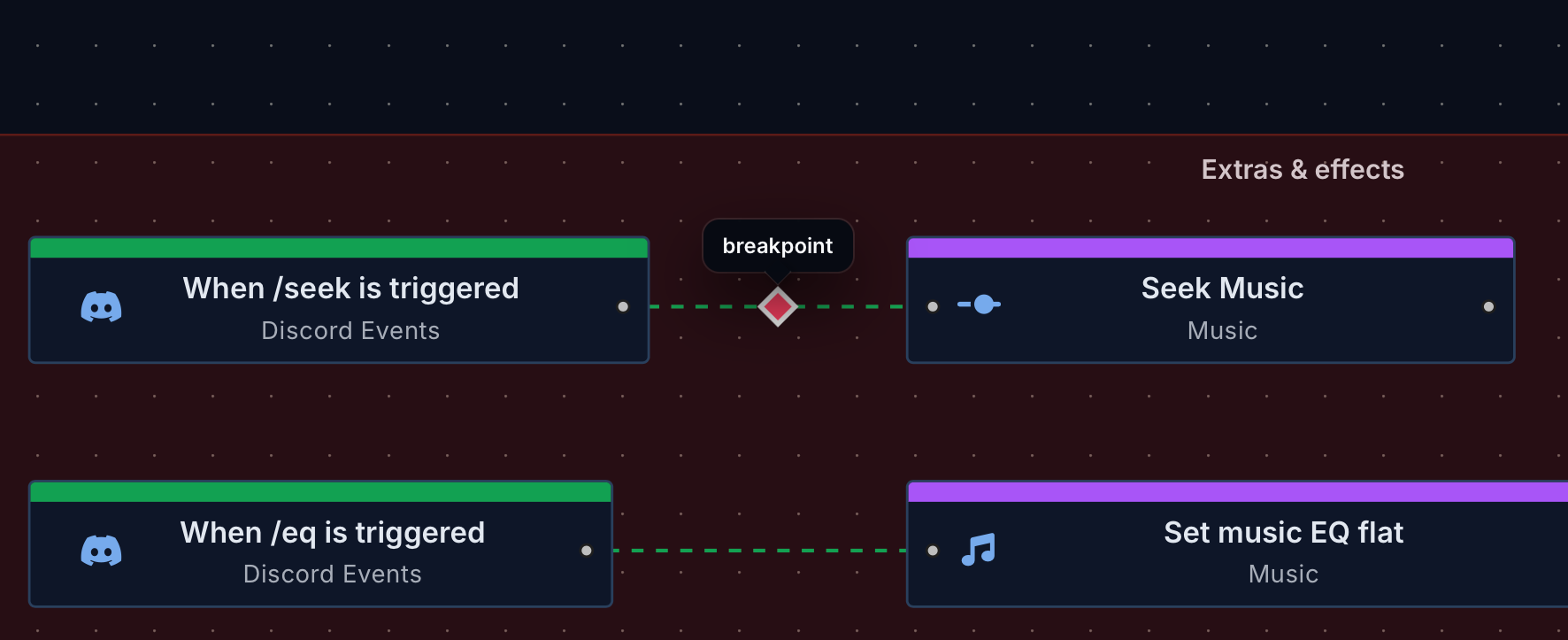
Set breakpoints on nodes to inspect what is happening before the flow continues. Step through logic, check values at the right moment and view behavior for easier debugging.
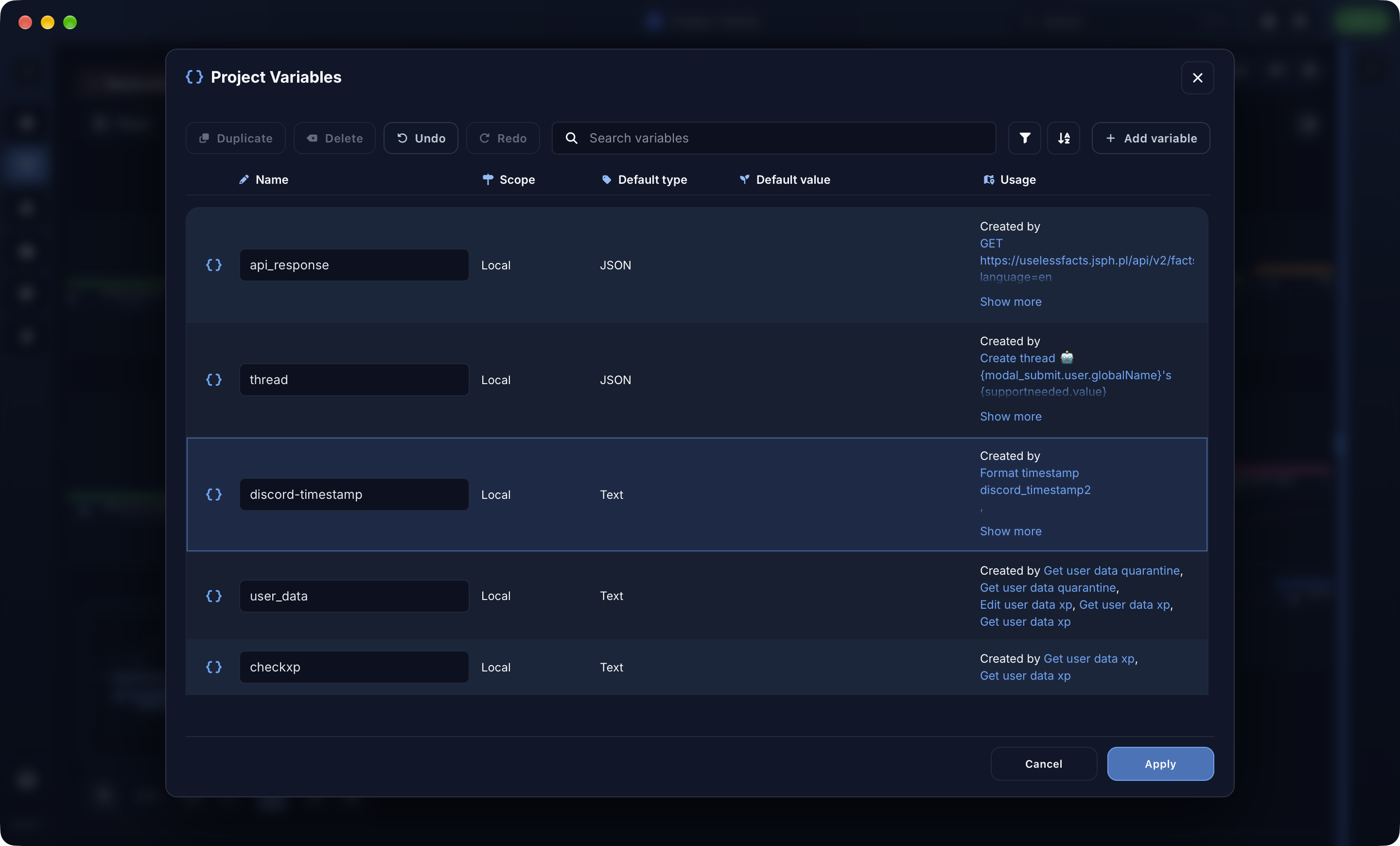
Review, edit and organise bot variables without hunting through individual nodes. Use the variables manager to make projects easier to maintain.
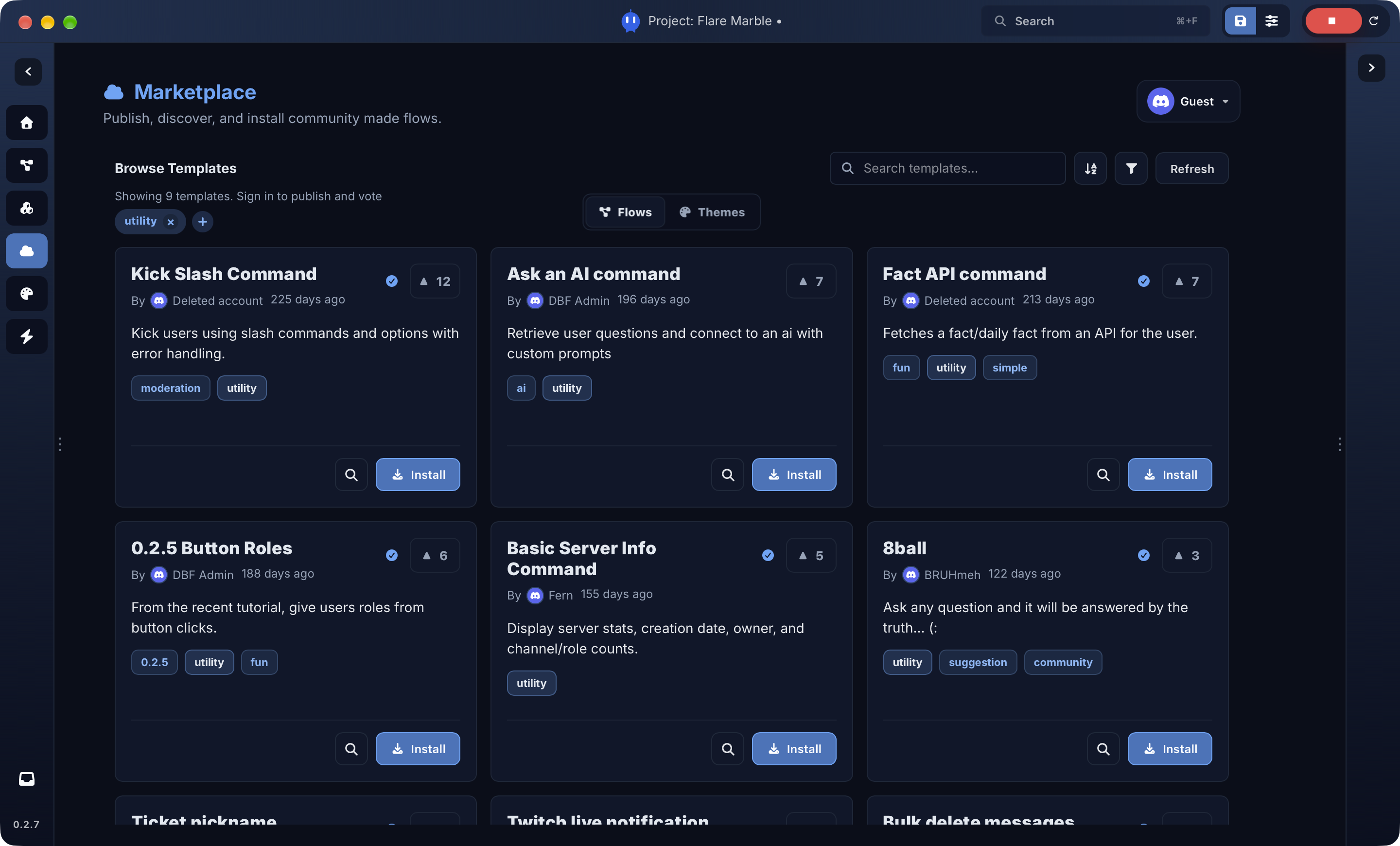
The Marketplace helps you discover community flows and themes, vote on your favourite posts and open creations directly in Discord Bot Factory. Publish your own work or learn from templates made by other builders.
Open Marketplace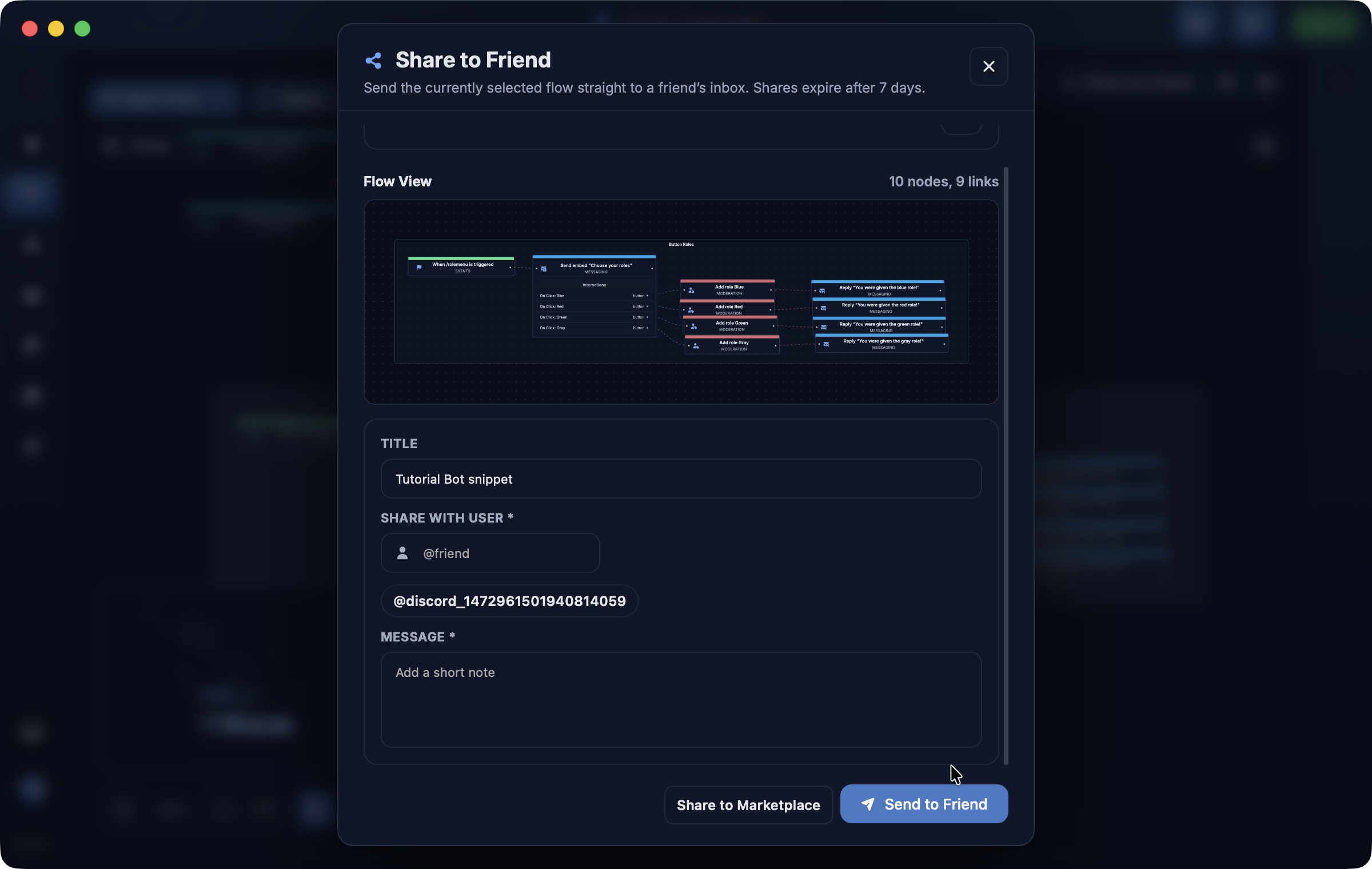
Share flows directly to another DBF user, send selected flow data to support members when you need help, and let people copy shared content into their own local project.
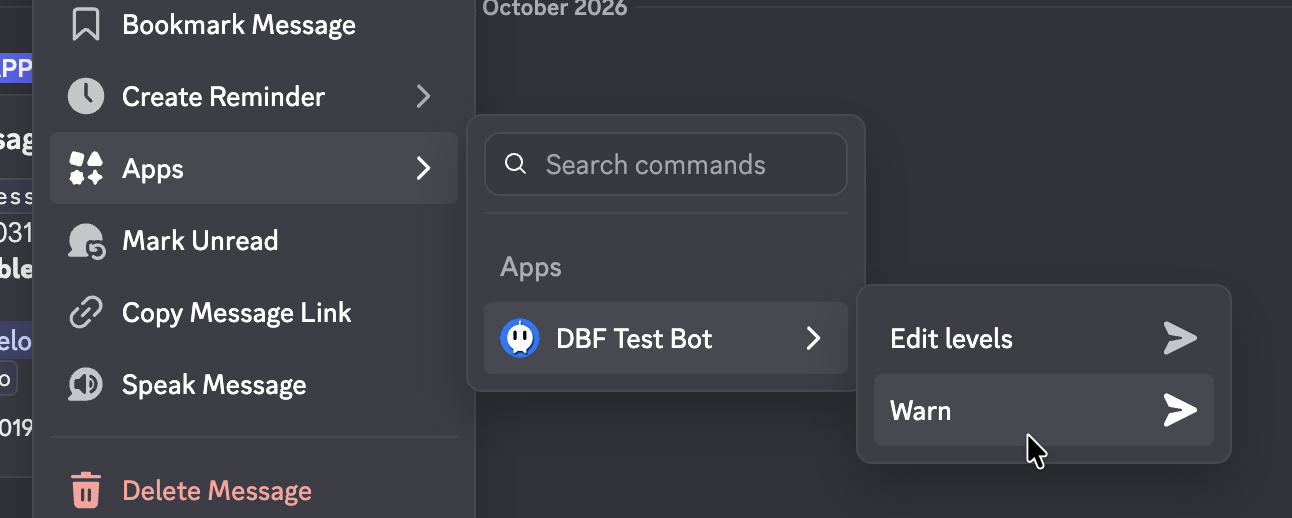
Create Discord message commands that run from the Apps menu on a message. Use them for moderation, utilities, context-aware replies and workflows that need the selected message as input.
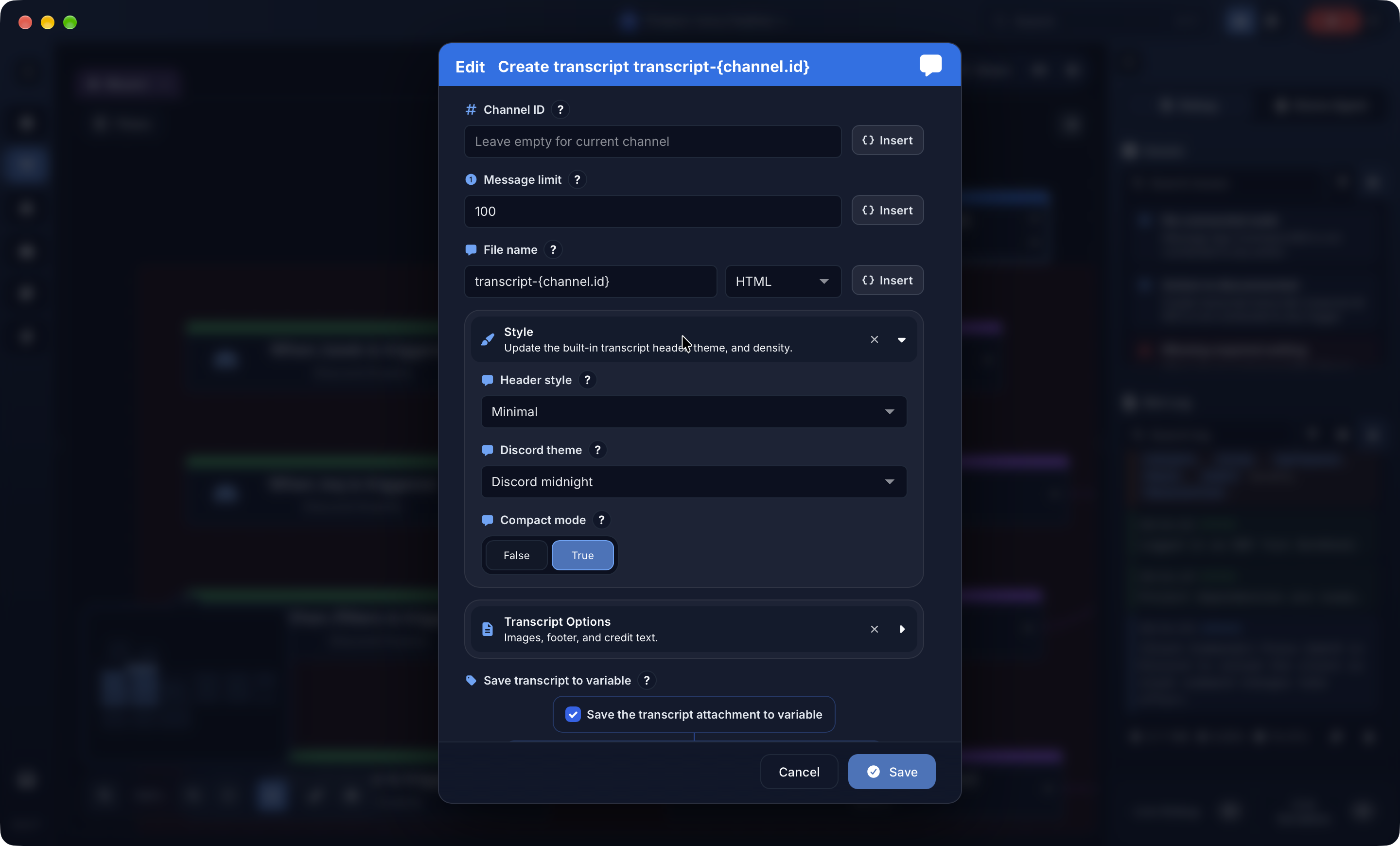
Generate readable conversation transcripts for tickets, moderation cases and support handoffs. Save it before a channel closes or attach it to the flow that needs it.
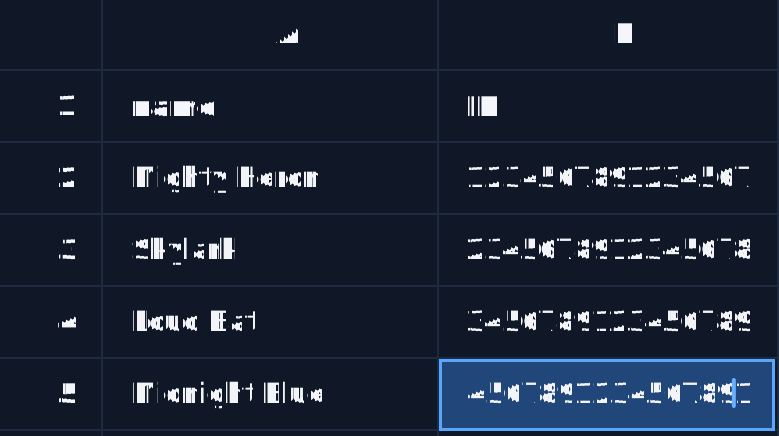
Create, manage, edit or upload CSV databases into the live database editor. Handle large datasets, read and write on the go, or connect to a MySQL database when your bot needs external storage.
DBF focuses on locally stored bot projects. Account features, marketplace publishing, direct shares and support shares are optional online services when you need them. Bots run on your own computer, server or hosting provider.
Start with the Discord bot setup guide, then create your first command or automatically assign roles to new members.
Discord Bot Factory is in early access, with new features, quality-of-life improvements and expanded tooling always on the way. Looking for a feature? Look it up. If it's not there, tell us! Join Discord to follow progress, suggest changes or get help with your bot.
Join Discord